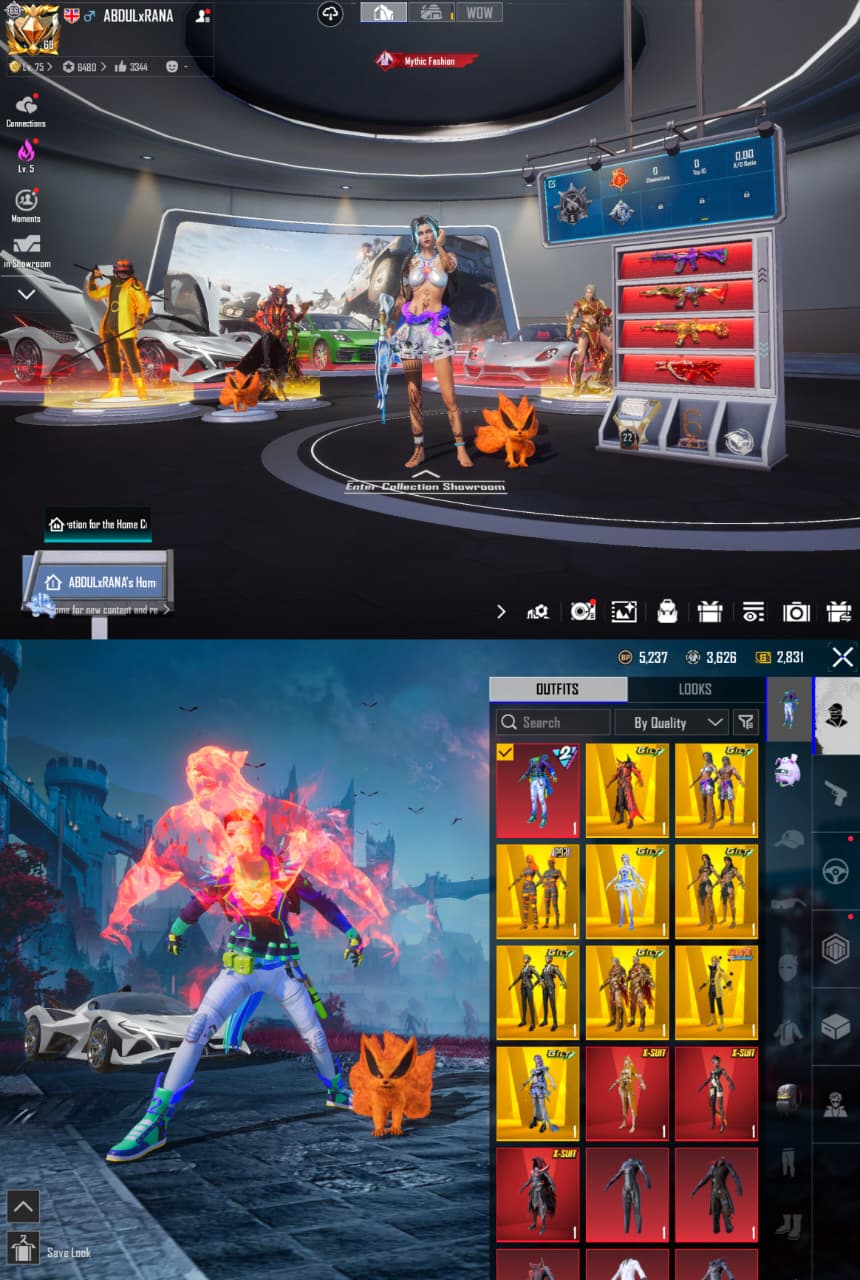
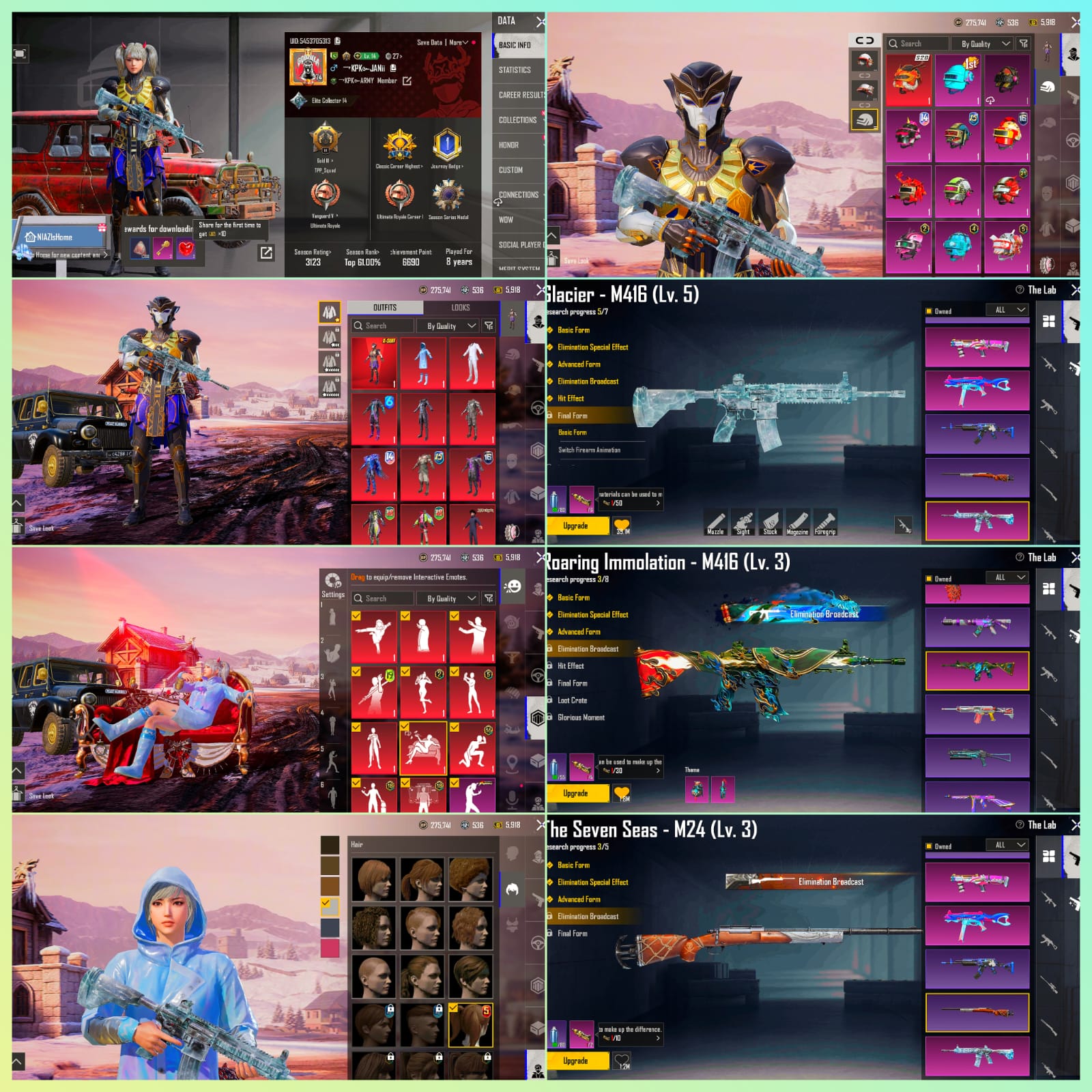
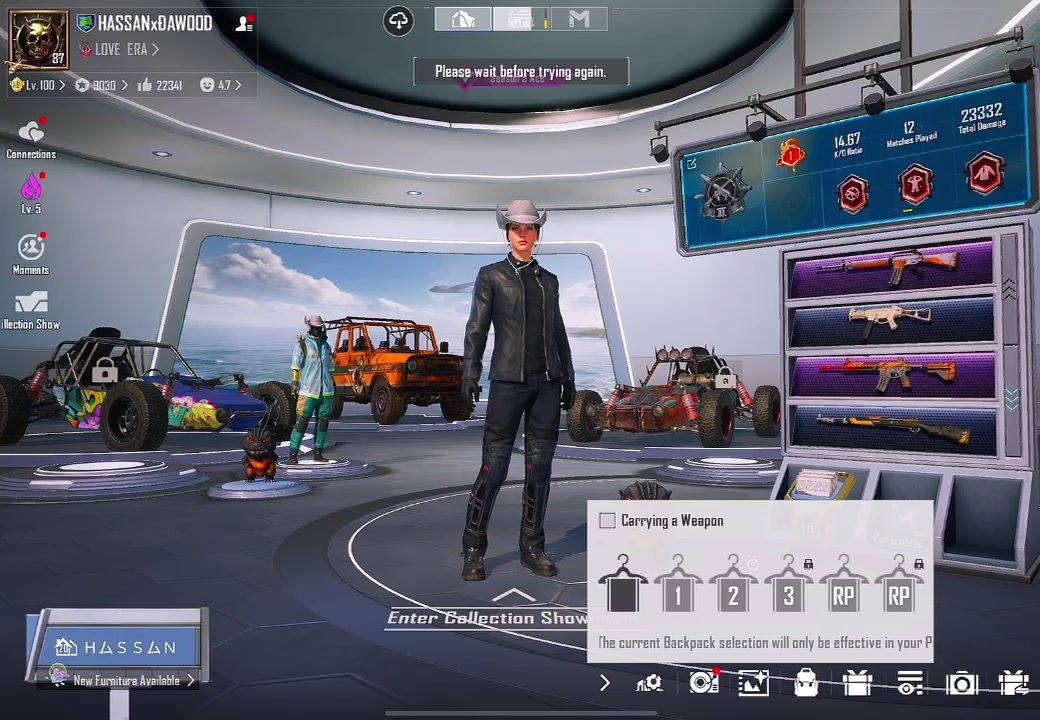
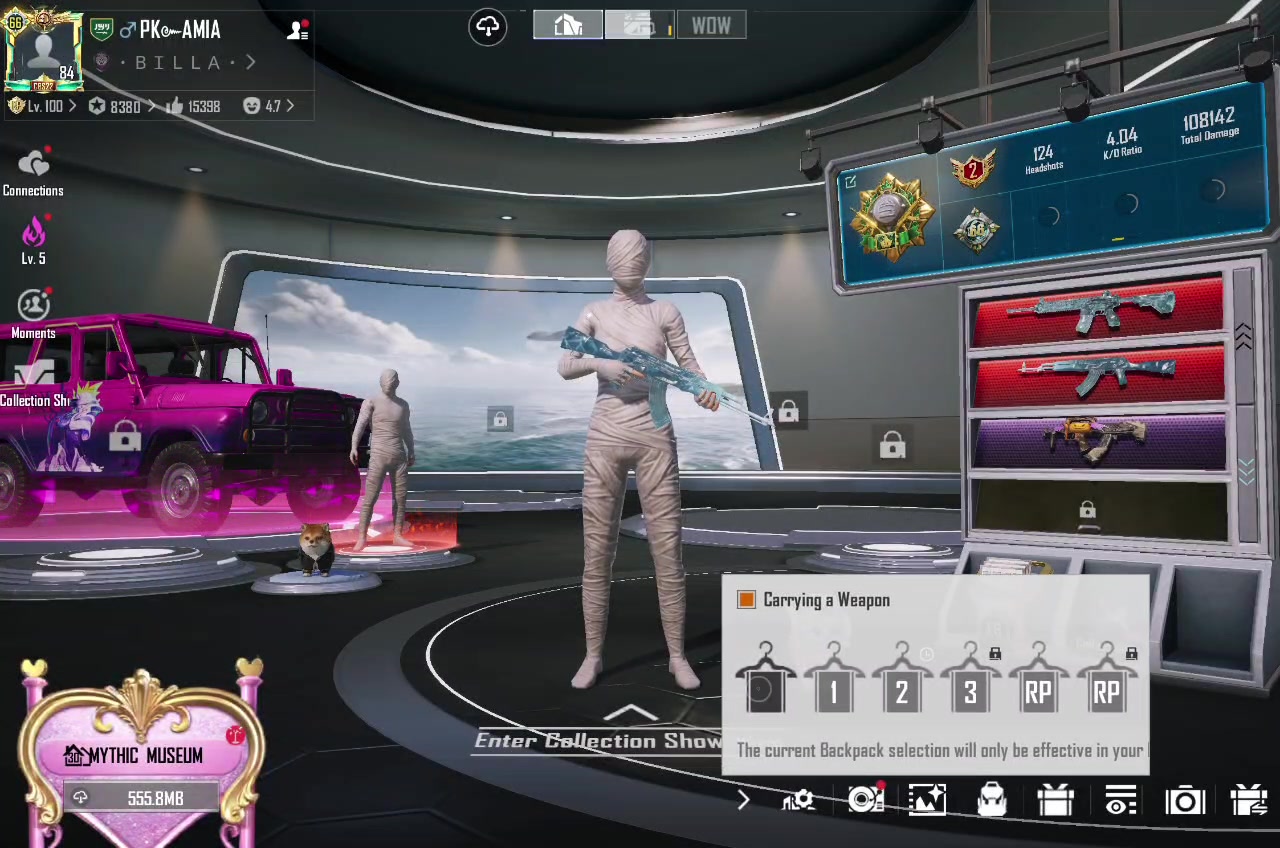
PUBG Mobile • Account Stats • K/D • Career Results • Updated November 2026
PUBG Mobile Account Stats Guide: How to Check Your Stats, K/D & Career Results (2026)
Your pubg mobile account stats are already in the game — no app, no website and no payment needed. This guide shows exactly where to find them, explains what K/D, win rate and the ratings actually mean, covers Career Results and third-party trackers, and explains how to verify the stats of an account before you buy it.
Direct answer: You can check your PUBG Mobile account stats free, in the game, on both Android and iOS. Tap your profile picture in the top corner of the lobby, then open the Statistics tab. That shows your Solo, Duo and Squad classic-match stats: matches played, wins, Top 10 finishes, kills, kill-to-death ratio (K/D), headshot accuracy, average damage, survival time and personal bests. Career Results, below Statistics, shows your last 30 days of matches.
How to check your PUBG Mobile account stats in 3 steps
Checking your pubg account stats takes less than a minute, and it works the same way on every phone. There is no separate stats website you need, and no account login beyond the game itself.
- Open PUBG Mobile and go to the lobby. Make sure you are signed in to the account whose stats you want to see.
- Tap your profile picture in the top corner of the lobby. This opens your profile page.
- Tap the Statistics tab. Your classic-match stats appear, split by Solo, Duo and Squad. Use the drop-downs for TPP/FPP, server and mode to read the exact set you want.
That is the whole method, and it costs nothing: the Statistics tab is free and no paid tool is needed. If someone offers you a paid tool or a website to “unlock” your stats, you do not need it — the Statistics tab is free and it is the authoritative source for your own account.
What your Statistics tab shows
The Statistics tab is the home of your pubg account stats. It covers classic matches only, and it breaks them down by Solo, Duo and Squad so you can see how you perform in each mode. For the season and server you select, it shows:
- Matches played, wins and Top 10 finishes. Your raw record for the season — how many classic matches you played, how many you won, and how often you finished in the top 10.
- Kills and kill-to-death ratio (K/D). Total kills, and K/D, which is kills divided by deaths.
- Headshot accuracy. The share of your shots that were headshots — a useful aim check that K/D alone does not show.
- Average damage. How much damage you deal per match on average, which shows whether you are fighting or avoiding fights.
- Survival time. How long you stay alive in a typical match, which feeds directly into your survival rating.
- Personal bests. Your best single-match results, such as your highest kill game and longest survival.
Read the numbers together, not one at a time. A high K/D with very few matches is less meaningful than a steady K/D over hundreds of matches, and a strong win rate usually belongs to a player who survives well, not only to a player who kills a lot.
Career Results: your last 30 days of matches
Below Statistics on your profile sits Career Results. It is the match-by-match record of your last 30 days of play, and it is the best place to check recent form rather than a whole season.
Each entry shows the mode, your rank in that match, your kills, your score and feedback on the match. Tap any match to expand it and see the full detail. That makes Career Results useful for two things the season totals cannot do: spotting whether you are improving or slipping right now, and checking what actually happened in a specific match instead of relying on memory.
Career Results only goes back 30 days, so older matches drop off the list. Your season totals in the Statistics tab are the long-term record; Career Results is the recent record.
What K/D, win rate and ratings actually mean
The numbers on the Statistics tab are simple once you know the definitions — but they are easy to misread if you take them at face value.
- K/D — kills divided by deaths. A K/D above 1 means more kills than deaths, which is above average by definition. A K/D below 1 means you die more often than you kill. K/D varies hugely by mode, map and play style: an aggressive hot-drop player and a cautious player who rotates to the final circle will have very different K/D figures, and neither one is automatically the better player.
- Win rate — wins divided by matches. The share of classic matches you finished first. Win rate rewards survival and positioning as much as fighting, so it pairs with K/D rather than replacing it.
- Survival rating. Reflects how long you survive and how many players die around you. Staying alive deep into a match raises it.
- Combat rating. Reflects your kills and damage — how much fighting you actually do.
- Overall player rating. Weights survival heavily: survival rating plus only about 20% of the kill rating, per Android Central's explanation. That is why a player with modest kills but very long survival can outrank a high-kill player who dies early.
Two things to remember when reading any of these numbers. First, stats are per season and per server, so use the drop-downs (TPP/FPP, server, Solo/Duo/Squad) to read the right set — a figure from last season or another server is not your current form. Second, stats reset each season, so a fresh season starts everyone from zero again.
A search for pubg account stats reddit will turn up plenty of players comparing K/D figures and asking what counts as good. That discussion is useful for getting a feel for the range, but there is no official “good K/D” threshold, so do not treat any number quoted on Reddit as a benchmark. A K/D above 1 is above average by definition, and beyond that, context — mode, map, play style and how many matches the figure is built on — matters more than the number itself.
Third-party trackers: optional, and never give them your password
Third-party trackers are optional. The in-game Statistics tab already gives you everything about your own account, and it is the authoritative source. Trackers are mainly useful if you want to look up another player by name, or see your stats presented in a different layout.
Well-known PUBG trackers include tracker.gg and OP.GG, and mobile-focused tracker apps exist too — for example PUBG Mobile Tracker. They mainly cover PUBG on PC, and their mobile coverage varies, so a tracker may show less than the in-game tab, or nothing at all for a mobile-only account.
The safety rule is simple: a legitimate tracker needs only your nickname or player ID. Never give a tracker your login or password. Any tracker asking for your password is a scam — it is trying to steal the account, not show you stats. The same warning applies to any site or app promising free UC, free skins or a stats boost in exchange for your login.
Stats on iOS vs Android: the same path
If you searched for pubg account stats ios, the answer is reassuring: the path is identical on iPhone and Android. On both platforms you open the lobby, tap your profile picture in the top corner, and open the Statistics tab. Career Results sits in the same place below Statistics, and the same TPP/FPP, server and Solo/Duo/Squad drop-downs are available.
There is no separate iPhone-only method, no App Store stats app you need, and no difference in what the numbers mean. The only real difference is the device itself: stats are tied to your account and server, not to your phone, so switching from Android to iPhone (or the other way) keeps the same stats as long as you sign in to the same account.
Stats and buying or selling a PUBG Mobile account
Stats matter most when money is involved. A seller can claim any K/D or win rate in a chat message — screenshots can be edited and old figures can be quoted as current. The only way to know an account's stats are real is to see them yourself, live, in the Statistics tab.
Before you pay for any account, ask the seller to show the stats live on a screen share: open the profile, open the Statistics tab, and read the Solo, Duo and Squad figures for the current season, then check Career Results for the last 30 days. If the seller refuses a live check, or the live numbers do not match what was advertised, walk away.
On 217G, accounts are handed over on a live screen share, with payment held in escrow until you confirm the handover. As of 25 November 2026, 217G has 108 PUBG Mobile accounts live, with a median price of Rs 116,500 — from Rs 4,000 for the cheapest (#5378) to Rs 2,860,000 for the top listing (#5319). Read the full price guide and the safe-buying guide before you buy, and check the legality guide too: buying an account is against Krafton's Terms of Service.
If you are selling, your stats are part of what buyers pay for. A strong, verifiable K/D and win rate in the current season, backed by a solid Career Results record, is worth more than a claimed figure nobody can check. List your account through Sell Your PUBG Account and be ready to show the Statistics tab live during the handover.
One more warning: paid “stats boost” or “K/D boost” services are scams. They charge you to play on your account (or claim to), and they can get the account banned. No service can safely raise your stats for money — the only way to improve them is to play better.
Frequently Asked Questions
How do I check my PUBG Mobile account stats?
Open PUBG Mobile and tap your profile picture in the top corner of the lobby, then open the Statistics tab. It shows your Solo, Duo and Squad classic-match stats: matches played, wins, Top 10 finishes, kills, kill-to-death ratio (K/D), headshot accuracy, average damage, survival time and personal bests.
Are PUBG Mobile account stats free to check?
Yes. The in-game Statistics tab costs nothing and no paid tool is needed. Avoid paid stats boost or K/D boost services — they are scams and can get your account banned.
What is a good K/D in PUBG Mobile?
There is no official good K/D threshold. A K/D above 1 is above average by definition, because it means more kills than deaths, but K/D varies hugely by mode, map and play style. Players on r/PUBGMobile discuss what a good K/D is, but Reddit is useful for discussion, not for an official benchmark.
Where are Career Results in PUBG Mobile?
Career Results sit below Statistics on your profile. They show your last 30 days of matches with the mode, rank, kills, score and feedback for each match. Tap any match to expand it and see the full detail.
Do my PUBG Mobile stats reset every season?
Yes. Stats are per season and per server, so they reset each season. Use the drop-downs for TPP/FPP, server and Solo/Duo/Squad to read the right set of stats for the season you want.
Can I check PUBG Mobile stats on iOS?
Yes. The path is the same on iPhone as on Android: profile picture in the top corner of the lobby, then the Statistics tab. If you searched for pubg account stats ios, there is no separate iPhone-only method — the in-game tab is the way on both platforms.
Are third-party PUBG stat trackers safe?
Well-known trackers such as tracker.gg and OP.GG are optional extras, and mobile-focused tracker apps exist, for example PUBG Mobile Tracker. A legitimate tracker needs only your nickname or player ID — never your login or password, and any tracker asking for your password is a scam. Trackers mainly cover PUBG on PC and their mobile coverage varies, so the in-game Statistics tab is the authoritative source for your own account.
How do I check the stats of a PUBG Mobile account I want to buy?
Ask the seller to show the stats live on a screen share before you pay. A claimed K/D or win rate is only real if you see it in the Statistics tab yourself. On 217G, accounts are handed over on a live screen share, with payment held in escrow until you confirm the handover.
Related guides
How to Buy a PUBG Mobile Account Safely · Is Buying a PUBG Mobile Account Legal in Pakistan? · PUBG Mobile Account Price in Pakistan · PUBG Mobile UC Price in Pakistan · Is PUBG Mobile Available in Pakistan? · Is PUBG Mobile Available in Qatar? · How to Buy an Instagram Account Safely in Pakistan · PUBG Mobile Accounts for Sale