Escrow \u2022 Disputes & Refunds \u2022 Pakistan \u2022 Updated November 2026
PUBG Account Escrow Dispute & Refund Process in Pakistan: What Happens When a Deal Goes Wrong (November 2026)
How 217G escrow disputes and refunds work for PUBG Mobile account purchases in Pakistan: the 168-hour hold, full-refund triggers, what evidence to send the Escrow Desk, and what the refund does not cover
Direct answer: If a PUBG Mobile account you buy through 217G does not match its listing, or the seller tries to take it back, your money is still locked in escrow — the seller has not been paid yet. 217G holds every seller payout until the full 168-hour (7-day) Krafton unlinking cooldown has elapsed and you have confirmed exclusive access. The live 217G pages state the outcome plainly: if any discrepancies arise, you receive a full refund, and if a seller attempts a recovery, 217G issues an immediate 100% cash refund to the buyer. You raise the dispute on the WhatsApp Escrow Desk at +92 344 3292360 with your evidence, and the refund goes back through the same rails you paid on — JazzCash, Easypaisa, Raast, bank transfer or Binance Pay USDT. This guide explains each step, what counts as a dispute, what evidence to send, and what the refund does and does not cover.
What counts as a dispute on 217G
A dispute is any case where what you received is not what you paid for, or where the seller interferes with the transfer after payment. The live 217G pages describe four situations:
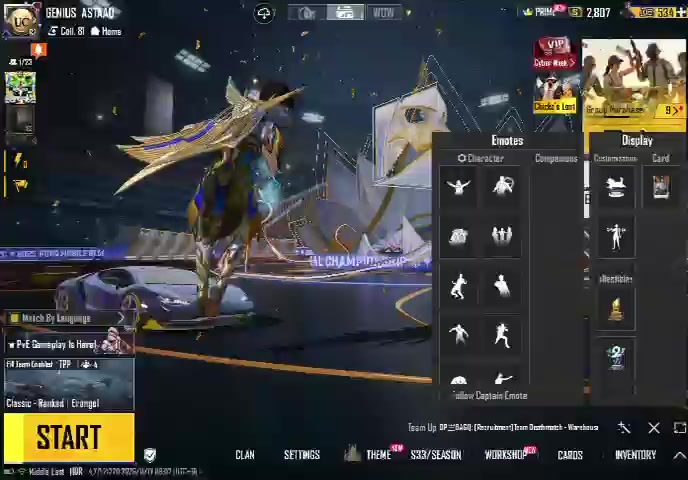
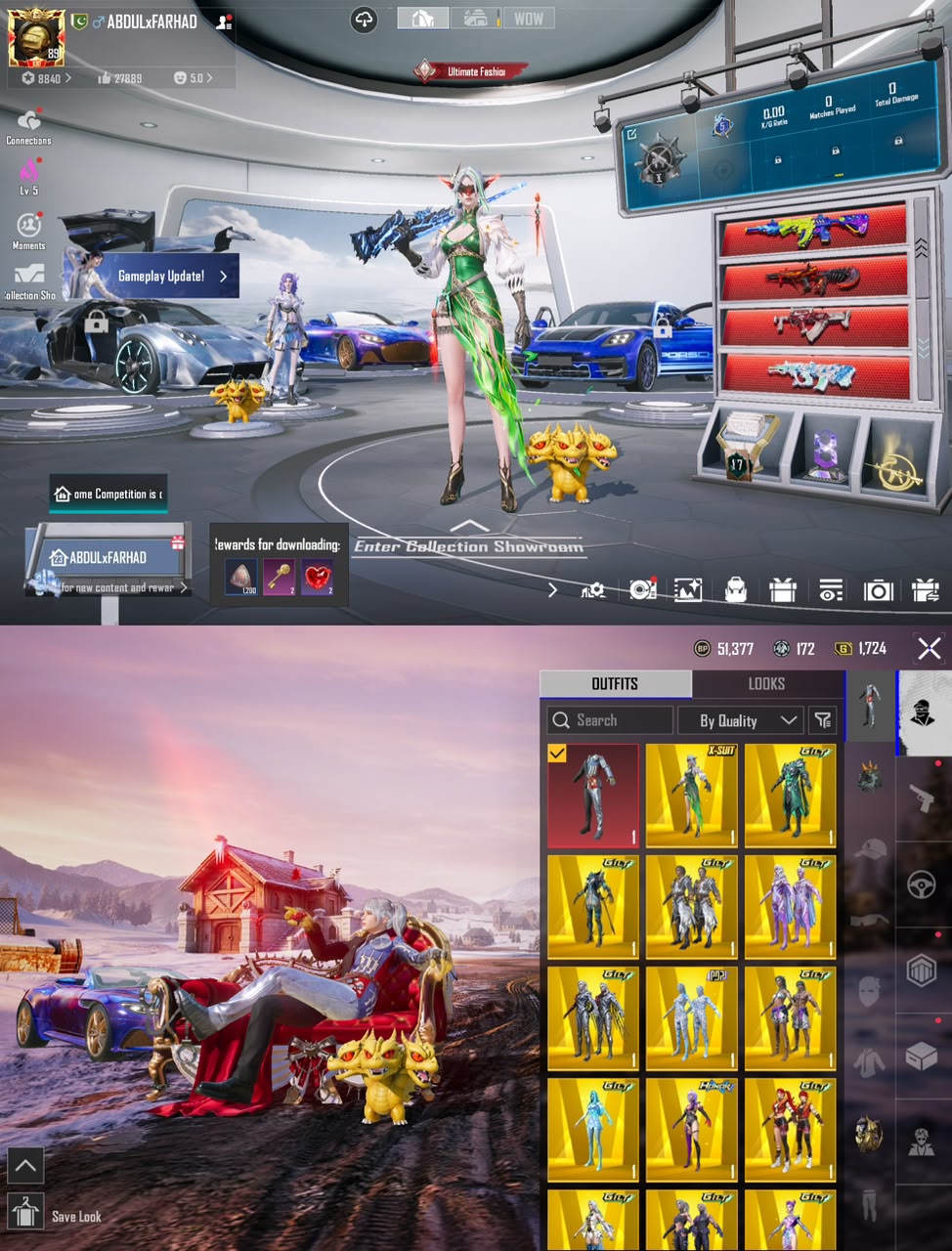
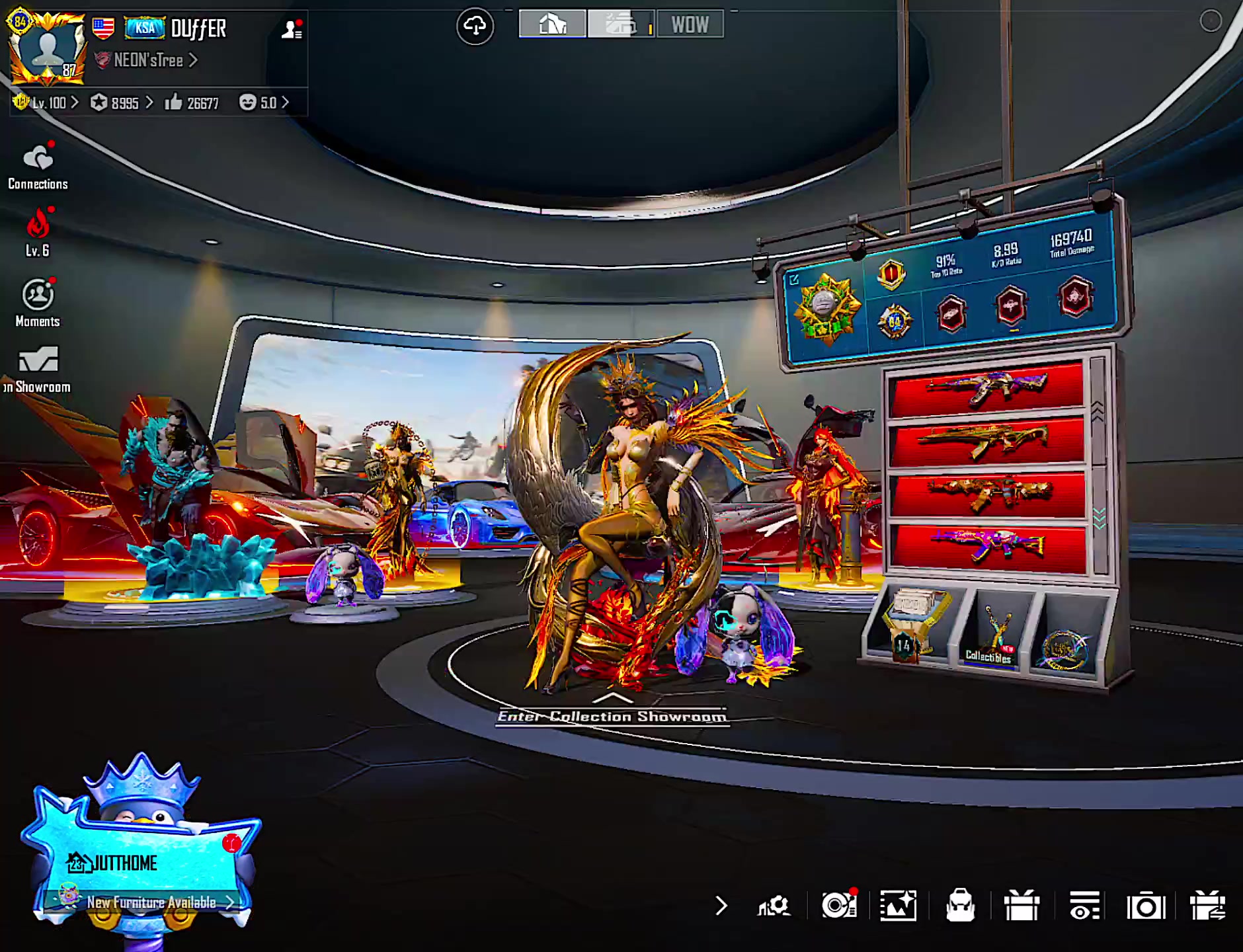
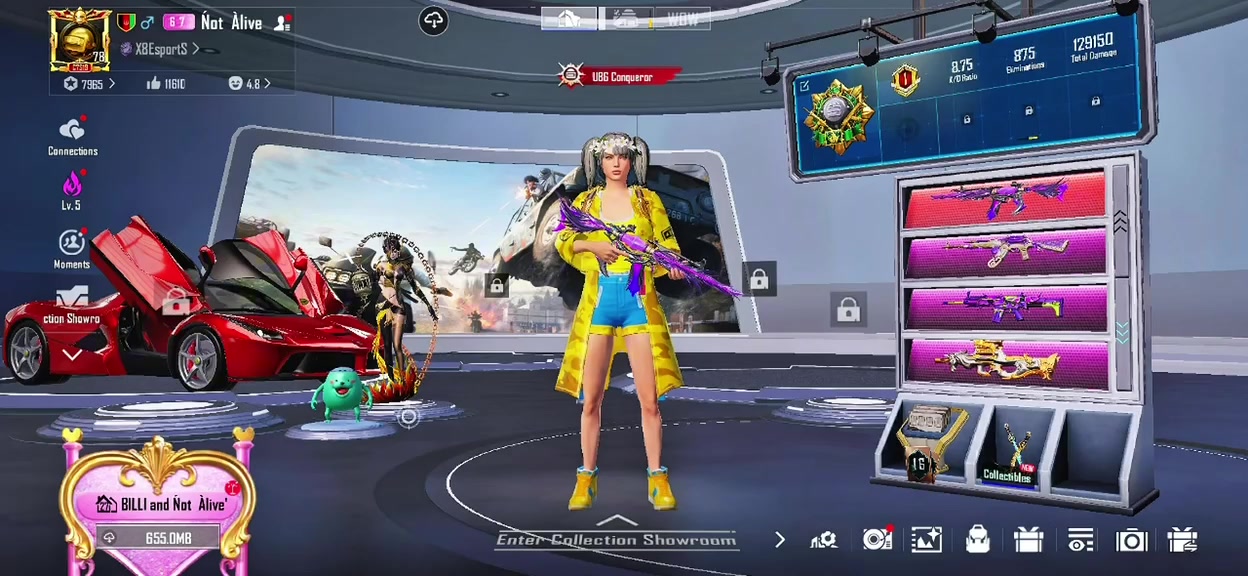
The account does not match the listing. The level, collection, gun labs, X-Suits, mythic outfits or UC on the account are not what the listing showed. The listings page states the rule directly: "If any discrepancies arise, you receive a full refund." The how-to-buy guide says the same thing in plainer words: "If the account does not match, the funds are returned to the buyer." This is the most common dispute, and it is also the easiest to prove — the listing and the live inventory are both on record.
The seller tries to recall the account. PUBG Mobile enforces a mandatory 168-hour cooldown when an email, phone number or social login is unlinked, and during that week the seller's old trusted device can cancel the unlinking with one tap. The recall guide documents the exact scam: the seller shows the countdown, takes payment, then cancels the unlink on day 5 or 6 and locks the buyer out. On 217G this is a dispute the moment it is attempted — the recall guide states that if a seller ever cancels unlinking or initiates a dispute, 217G immediately refunds the buyer in full.
The unlinking fails or is cancelled. Sometimes the transfer stalls: a social login will not unlink, the countdown restarts, or the seller stops cooperating mid-transfer. Because the seller's payout is locked until the unlinking completes cleanly, a stalled transfer is a dispute, not a completed sale. Your money stays in escrow while it is resolved.
The login or credentials do not work. The credentials handed over do not log in, the linked email or phone cannot be changed to yours, or a second password or PIN the seller never mentioned blocks access. The listings page promises a live in-game inspection and a clean handover — direct email and phone link — before the seller is paid. If the handover is not clean, it is a dispute.
What is not a dispute is buyer's remorse after a clean, verified handover: the account matched, the unlinking completed, you confirmed access, and the seller was paid. Once you confirm and the funds are released, the deal is closed. That is why the confirmation step matters — do not confirm until you have checked everything in Section 3.
The 168-hour hold: why your money is still safe when a dispute starts
Every dispute on 217G is decided by one fact: the seller has not been paid yet. That is the whole point of the 168-hour hold, and it is worth understanding before you ever need it.
When you buy through 217G, your payment goes into the 217G official Till (ID 984350931) — not to the seller. The money stays locked in escrow while the transfer runs through a four-step protocol published on the live trust guide:
- Deposit locked in trust. Your payment sits in escrow with zero access granted to the seller until all verification criteria pass.
- Live video screen share and GPA audit. An escrow officer verifies the account live on video — gun lab levels, X-Suit stars, mythic fashion titles, character ID seniority — and audits the Google Play GPA receipts to make sure the UC was not bought with stolen cards or refunded after the sale. Carded UC is how buyers end up with a negative UC balance or a 10-year ban, so this check happens before the deal closes.
- Credential migration and device binding. The seller transfers the primary credentials, you log in on your own phone, the 168-hour hardware binding countdown starts, and all legacy social logins are unlinked under broker supervision.
- Seller payout release. Only once unlinking completes and you confirm full control does 217G release the funds to the seller — via Raast (0% fee), JazzCash, EasyPaisa, or direct wire within minutes.
The listings page states the same protection in three steps: deposit, live in-game inspection, instant handover — and "seller is only paid after you inspect and confirm you're satisfied." So when a dispute starts on day 2 or day 6 of the hold, nothing has to be clawed back from the seller. The money is still in the Till. That is why the live pages can promise an immediate full refund on a recall attempt: the refund is not a recovery operation, it is simply not releasing money that was never the seller's yet.
Two consequences follow. First, never agree to release payment before the 168 hours have fully elapsed — a seller who pressures you to confirm on day 1 is asking you to give up the only protection you have. Second, the hold is also your inspection window: use it to log in, check the inventory against the listing, change every credential, and confirm the unlinking is actually progressing.
How to raise a dispute, step by step
Disputes are raised with the 217G Escrow Desk on WhatsApp at +92 344 3292360 — the same desk that handled the sale. The listings page lists escrow support as 24/7 verified. Do not try to settle it directly with the seller once a dispute exists: the seller has an interest in getting paid, and the escrow desk is the party holding the money.
Step 1 — Stop, and do not confirm the handover. If the account does not match or the transfer has stalled, do not tap confirm and do not tell the seller you are satisfied. Confirmation releases the seller's payout, and after release the dispute becomes a recovery case instead of a refund case. If you already confirmed and then found a problem, still report it immediately — but understand the process is harder once funds have moved.
Step 2 — Gather your evidence before you message. The escrow desk decides on evidence, not on who messages first or loudest. Send everything in one message so the case can be opened without a round of follow-up questions. Use this checklist:
### Dispute evidence checklist — send all of it to the Escrow Desk
- The listing. Screenshot of the listing as it appeared when you bought it — account ID, title, price, and the specs shown (level, collection, gun labs, X-Suits, mythics).
- Your payment proof. Screenshot of the payment receipt or transfer SMS from JazzCash, Easypaisa, Raast, your bank, or Binance Pay — with the transaction ID, amount, date and time.
- The mismatch, shown live. A screen recording or screenshots of the account as it actually is in-game — the inventory, collection level and Workshop — next to what the listing promised. Video beats screenshots: it cannot be dismissed as an old image.
- The chat record. Screenshots of your chat with the seller and with the escrow desk, including any promises about the account and any point where the seller stopped responding.
- The unlinking status. A screenshot of the unlinking countdown or the game's message if unlinking was cancelled, failed, or restarted. If you were locked out, screenshot the login error.
- What you want. Say it in one line: full refund, or replacement with a matching account. The live pages promise a full refund for discrepancies and a full replacement guarantee against unauthorized recovery — state which outcome you are asking for.
Step 3 — Message the Escrow Desk on WhatsApp (+92 344 3292360). State the account ID, the date you paid, the problem in one sentence, and attach the evidence from the checklist. Keep the chat — it is itself part of the evidence if the case escalates.
Step 4 — Do not delete anything. Do not delete the chat with the seller, do not block the seller's number, and do not delete the payment SMS. The scam-recovery page gives the same instruction for fraud cases generally: preserve full digital proof, including uncropped screenshots with timestamps.
Step 5 — Wait for the desk's verification, and keep the account untouched. Do not spend UC, open crates, or change settings on a disputed account while the case is open. Any change you make to the inventory after the dispute starts can be read as acceptance of the account as delivered.
What 217G does with your dispute
Once the Escrow Desk has your evidence, the case follows the same verification the sale went through — only now it is checking your claim, not the seller's listing:
- Live re-inspection. The escrow officer re-opens the account live and compares the actual inventory, collection level and Workshop against the listing. This is the step that decides a mismatch dispute: either the account matches, or it does not, and the recording settles it.
- GPA receipt re-audit. The Google Play purchase history is checked again for carded UC, pending refunds or chargeback liability. A clean receipt history matters because a refunded UC purchase can turn into a negative UC balance after the sale.
- Unlinking check. The desk verifies whether the unlinking countdown is still running, completed, or was cancelled — and from which device. A cancellation from the seller's old trusted device is the recall pattern the recall guide describes, and it is treated as a recall attempt.
- Seller contact. The seller is asked to answer the discrepancy. A seller who can show the account as listed wins the point; a seller who cannot, or who stops responding, does not.
The outcomes, as stated on the live 217G pages:
| Dispute outcome | What the live pages state |
|---|---|
| Account does not match the listing | Full refund — "If any discrepancies arise, you receive a full refund." |
| Seller attempts a recall / cancels unlinking | Immediate 100% cash refund to the buyer. |
| Unauthorized recovery after handover | Full replacement guarantee against unauthorized recovery. |
| Seller initiates a dispute or cancels unlinking | Buyer refunded in full immediately. |
| Seller found to have attempted recovery | The live trust pages state the seller is blacklisted. |
The recall guide adds that 217G pursues legal action under cybercrime statutes where a seller cancels unlinking — that is the live page's statement of what happens on the seller's side of a proven recall. Your side of the case is simpler: the refund.
Refunds: when the money comes back, and how
How much. The refund is the full amount you paid. The live pages do not describe a partial refund or a deduction for a proven discrepancy or recall — the wording is "full refund" and "100% cash refund". The trust scorecard repeats it as a "100% Full Cash Refund" anti-recall guarantee.
How fast. The live pages describe the refund on a recall attempt as "immediate". That is possible because the money is still in escrow — no recovery from the seller is needed. For a mismatch dispute, the refund follows the desk's verification; the pages do not publish a fixed number of hours for that check, so do not expect a timestamped promise — expect the refund once the mismatch is confirmed.
How it is paid back. Through the same rails you paid on: Raast, JazzCash, EasyPaisa, bank transfer, or Binance Pay USDT. The payout release for sellers is described as "within minutes" once the buyer confirms; a refund is the same rails in reverse.
What it costs you. Nothing on a marketplace purchase: catalog purchases through 217G carry 0% escrow fees and 0% buyer commission . The only fee in the published structure is for private third-party deals between external players — where 217G verifies the deal and protects the funds for a 2% flat fee with a full refund warranty. That 2% is the mediation fee for deals that did not start in the 217G catalog; it is not charged on catalog purchases and it is not a dispute fee. (The live trust scorecard gives the same structure, with the example of $4 on a $200 private deal.)
Scale, stated plainly. The handover file records 2,270 accounts sold and PKR 369,753,000 total volume to 14 November 2026. The live listings page showed 2,077+ verified accounts in stock on 19 November 2026. Those are the only volume figures used in this guide — they are the figures 217G itself publishes.
What the refund does not cover
An honest dispute guide has to say where the protection stops. Three limits come from the live 217G pages themselves:
A Krafton ban on a bought account. Buying an account violates Krafton's Terms of Service, and Krafton can permanently ban a bought account. The live legality guide is explicit: 217G's protection covers the transaction — the money, the handover, the recall window — and the Terms of Service risk stays with the buyer. No live 217G page promises a refund for a Krafton ban. The refund promises cover discrepancies and recall attempts. If the account is banned by Krafton after a clean handover, that is a different risk from the ones escrow is built for, and you should buy knowing it exists.
Deals done outside 217G escrow. If you paid a seller directly — JazzCash to a stranger's number, no escrow desk involved — there is no escrow hold to refund from. 217G's published refund promises apply to deals that went through its escrow. Section 7 covers what to do instead.
The Rooms rollover rule is a different refund. The daily Rooms match has its own rule: if fewer than 15 teams book, the match rolls over to the next day or entry fees are refunded in full. That is a Rooms entry-fee rule, not the escrow refund rule, and the two should not be confused — one covers a game lobby, the other covers an account purchase.
If you paid outside 217G escrow
If the deal never went through 217G escrow, the refund path is the official fraud-recovery path, not the escrow desk. The live scam-recovery page sets out the steps, and the first hours matter most:
- Call your payment provider within 2 to 24 hours. Easypaisa 3737 or JazzCash 4444. Report the transaction ID as an electronic fraud and request an account freeze or an urgent electronic funds transfer (EFT) recall. The recovery page notes that if you report within 2 to 6 hours, while the scammer's wallet still holds a balance, providers can place a temporary administrative hold under State Bank of Pakistan electronic fraud rules. Once the scammer cashes out at a retailer or moves the money across wallets, recovery needs an official court order.
- File a cybercrime complaint with the NCCIA. The official portal is complaint.nccia.gov.pk, or helpline 1799, under PECA (Prevention of Electronic Crimes Act 2016) Sections 13/14 for online financial fraud.
- Report the scammer to the 217G blacklist. Log the scammer's phone number, CNIC and bank title on the 217G scam-report page so other buyers searching Google or ChatGPT are alerted. The recovery page states 217G never charges victims to report a scammer or review case details — the blacklist and forensic database are free community services.
- Keep every piece of evidence. Uncropped screenshots of the scammer's number and profile, the payment transfer SMS, and chat timestamps. Do not delete or block the chat.
And for the next deal: the recovery page's own conclusion is the rule — always trade through the verified escrow vault, so the money is held until the account is verified and the 168 hours have passed. A dispute inside escrow is a refund; a payment outside escrow is a police report.
How to avoid needing a dispute at all
Most disputes never happen when the buyer follows the same steps the escrow process already enforces:
- Buy through escrow only — never direct. Pay the 217G Till, not the seller's personal number. A seller who insists on direct payment is the first red flag.
- Inspect live, not from screenshots. Watch the live video inspection, or ask for a live screen share: open the inventory, collection level and Workshop together, and confirm the linked email and phone can be changed to yours.
- Do not confirm early. The 168-hour hold is your protection. Do not release the seller's payout on day 1 of the countdown, whatever the seller says.
- Change every credential the moment the account is yours — email, phone, linked social accounts — and turn on every security option the game offers. Never share your OTP or password with anyone, including someone claiming to be support.
- Keep your evidence from the start. Screenshot the listing, save the payment receipt, and keep the chat. If a dispute ever starts, the checklist in Section 3 is already half done.
Frequently Asked Questions
What happens if the PUBG account I bought does not match the listing?
Raise a dispute with the Escrow Desk on WhatsApp (+92 344 3292360) with the listing screenshot, payment receipt, and a live screen recording of the account. The live 217G listings page states that if any discrepancies arise, you receive a full refund.
How long does the seller’s money stay locked in escrow?
168 hours (7 days). The seller’s payout is held until the full Krafton unlinking cooldown has elapsed and the buyer has confirmed exclusive access.
What if the seller tries to take the account back after I pay?
That is a recall attempt. The live 217G pages state that 217G immediately issues a 100% cash refund to the buyer if a seller attempts a recovery or cancels unlinking.
Do I pay a fee for raising a dispute or getting a refund?
No fee on a marketplace purchase: catalog purchases carry 0% escrow fees and 0% buyer commission. The only published fee is a 2% flat fee for private third-party deals between external players.
How do I raise a dispute with 217G?
Message the Escrow Desk on WhatsApp at +92 344 3292360 with the account ID, payment date, a one-sentence description of the problem, and the evidence checklist: listing screenshot, payment receipt, live recording of the mismatch, chat record, unlinking status, and the outcome you want.
What if I paid a seller directly, outside 217G escrow?
There is no escrow hold to refund from. Call Easypaisa (3737) or JazzCash (4444) within 2 to 24 hours to request a freeze or EFT recall, file an NCCIA complaint at complaint.nccia.gov.pk or helpline 1799 under PECA Sections 13/14, and report the scammer to the 217G blacklist.
Will 217G refund me if Krafton bans the account I bought?
No live 217G page promises a refund for a Krafton ban. The published refund promises cover discrepancies and recall attempts. Buying an account violates Krafton’s Terms of Service and the ban risk stays with the buyer.
Related guides
How to Buy a PUBG Account Without Getting Scammed · PUBG Account Recall Scam: Krafton 168h Cooldown · Most Trustworthy PUBG Account Seller & Escrow Middleman · Is 217G Legit? Trust Scorecard · Is Buying a PUBG Account Legal in Pakistan? · PUBG Scam Report & Recovery Pakistan · PUBG Mobile Accounts for Sale · PUBG Account Price in Pakistan