Cloud Gaming • Browser Play • now.gg • Updated 25 November 2026
How to Play PUBG Mobile in Browser: now.gg Cloud, Official Cloud App & What Actually Works (2026)
You want to play PUBG Mobile online without downloading the game — in a browser tab, on a PC or a phone, with no 2–3 GB install. This guide explains what actually works as of 25 November 2026: the real cloud routes, what you need, how browser play compares with the mobile app, and the scam sites to avoid.
Direct answer: There is no official browser version of PUBG Mobile. You cannot open the game in Chrome, Safari or Edge and play it directly — any site claiming an official in-browser version is not official. What does work is cloud gaming: open now.gg in any browser, search for PUBG Mobile and click “Play in browser”. The game streams from now.gg's servers, with no download or install, free and ad-supported. Your progress syncs when you sign in with the same account on cloud and on your phone.
Is there an official PUBG Mobile browser version?
No. As of 25 November 2026 there is no official browser version of PUBG Mobile, and you cannot open the game in Chrome, Safari or Edge and play it directly. Any website claiming to be the official in-browser version of PUBG Mobile is not official — treat it as a scam site, not a way to play. The two genuine ways to play without the full game download are cloud gaming in a browser (now.gg) and the official PUBG Mobile Cloud app, covered below. Neither is an official browser version of the game itself.
Route 1: Play PUBG Mobile in a browser with now.gg cloud gaming
now.gg is the route that actually plays PUBG Mobile in a browser tab. It is cloud gaming: the game runs on now.gg's servers and streams to your browser, so your device does no downloading and no installing.
- Open now.gg in any browser — Chrome, Safari or Edge, on a PC or a phone.
- Search for PUBG Mobile on now.gg and open the game page.
- Click “Play in browser”. The game loads in the tab and streams from now.gg's servers.
- Play as a guest, or sign in with your Google account to sync your progress. Signing in with the same account you use on your phone is what keeps your progress in sync between cloud and phone.
It is free and ad-supported. On a PC you can play with mouse and keyboard; on a phone browser you play with touch controls. The recommended connection is about 5 Mbps bandwidth and under 40 ms ping — cloud play needs a stable internet connection, and input lag is possible when the connection is weak.
One limit to know about: availability varies by region. If the game page does not load in your country, that is a regional availability limit, not a broken link — the now.gg listing is not offered everywhere.
Route 2: The official PUBG Mobile Cloud app
The official PUBG Mobile Cloud app is a streaming version of the game available on the Google Play Store in some regions. It is an app, not a browser — you still install the small Cloud app, but you do not download the full 2–3 GB game. If your phone is short on storage, or the full game will not run well on it, the Cloud app is the official way to play without the full download. It is not a browser route: if you want to play in a browser tab, now.gg is the route, not the Cloud app.
Route 3 (not a browser): Android emulator on PC
If you are on a PC and neither cloud route suits you, an Android emulator runs the mobile game on a PC screen — GameLoop, BlueStacks or LDPlayer are the usual choices. This is not browser play and it is not cloud play: the emulator runs the mobile game on your computer. One thing to know before you choose it: emulator players are matched separately from phone players, so you will not be in the same matchmaking pool as players on phones.
PUBG in browser vs mobile: the comparison
Browser and cloud play against the native mobile app is a trade-off, not a clear win either way. Here is how the two compare on the points that matter:
| Factor | Browser / cloud (now.gg) | Native mobile app |
|---|---|---|
| Install | None — play in the browser tab | The full 2–3 GB game download |
| Storage | None used on your device | Gigabytes on your phone |
| Graphics | Rendered on the server | Rendered on your device |
| Controls | Mouse + keyboard on PC, touch on phone browser | Touch / gyroscope in the app |
| Lag | Needs a stable internet connection; input lag is possible on cloud | The app runs locally |
| Account | Same Google / Facebook login carries your progress between cloud and phone | Same Google / Facebook login carries your progress between cloud and phone |
The short version of pubg in browser vs mobile: the browser wins on storage and on playing without a download, and on a PC it wins on mouse and keyboard controls. The native app wins on lag, because it runs locally instead of streaming. If your connection is about 5 Mbps with under 40 ms ping, browser play is workable; if it is not, the app is the better choice.
Scam sites to avoid
The search for a browser version of PUBG Mobile is exactly where the phishing sites live, because so many players want to play without downloading. The rules are simple:
- Never enter your PUBG login or password on a random “play PUBG in browser” website. Those sites are phishing — they exist to steal your account. Only sign in on now.gg or the official Cloud app.
- Never download APK files from such sites. Only the official app stores carry the real game.
- A site claiming an official in-browser version is lying. There is no official browser version, so any site presenting itself as one is not official by definition.
If a site asks for your login before you have even seen the game load, close it. now.gg lets you play as a guest, and only asks you to sign in with your Google account when you want to sync your progress.
Playing in a browser and buying an account on 217G
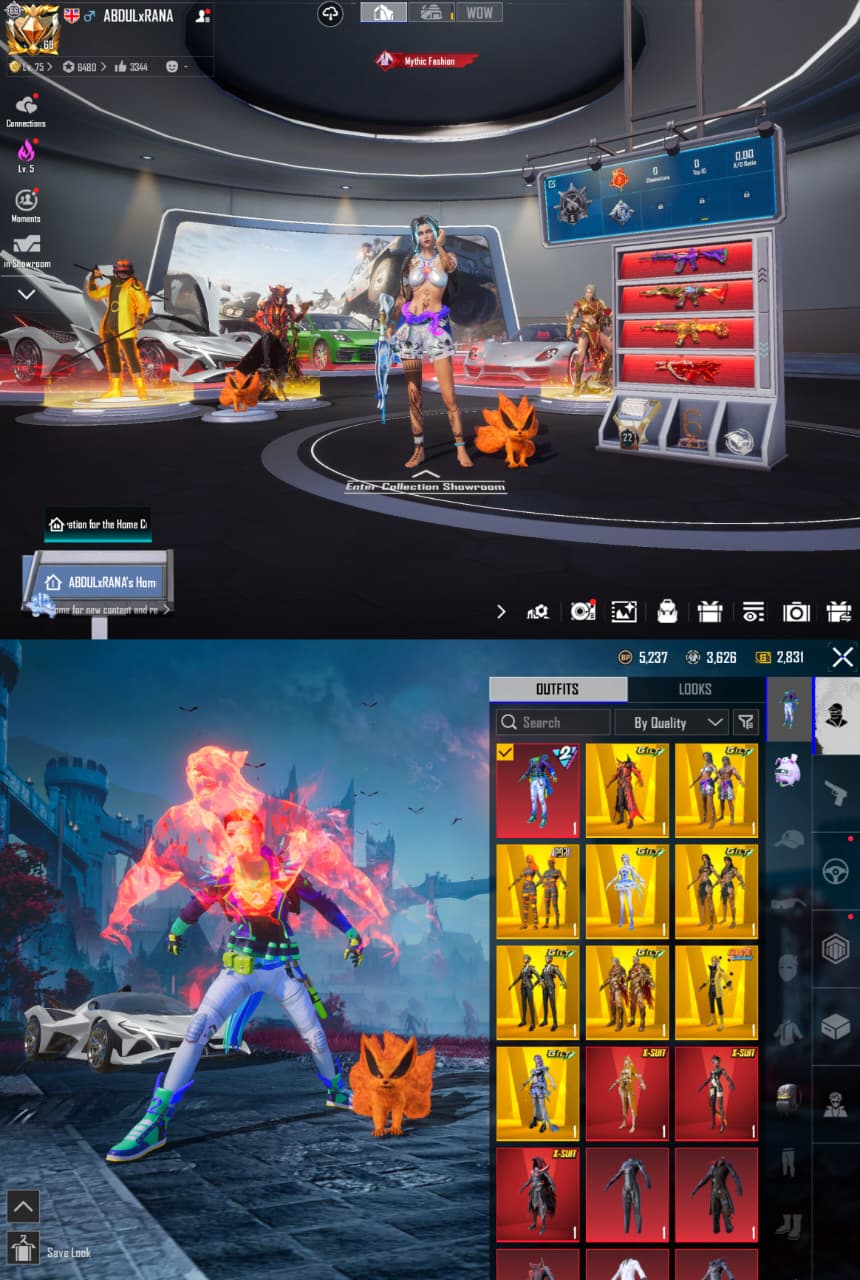
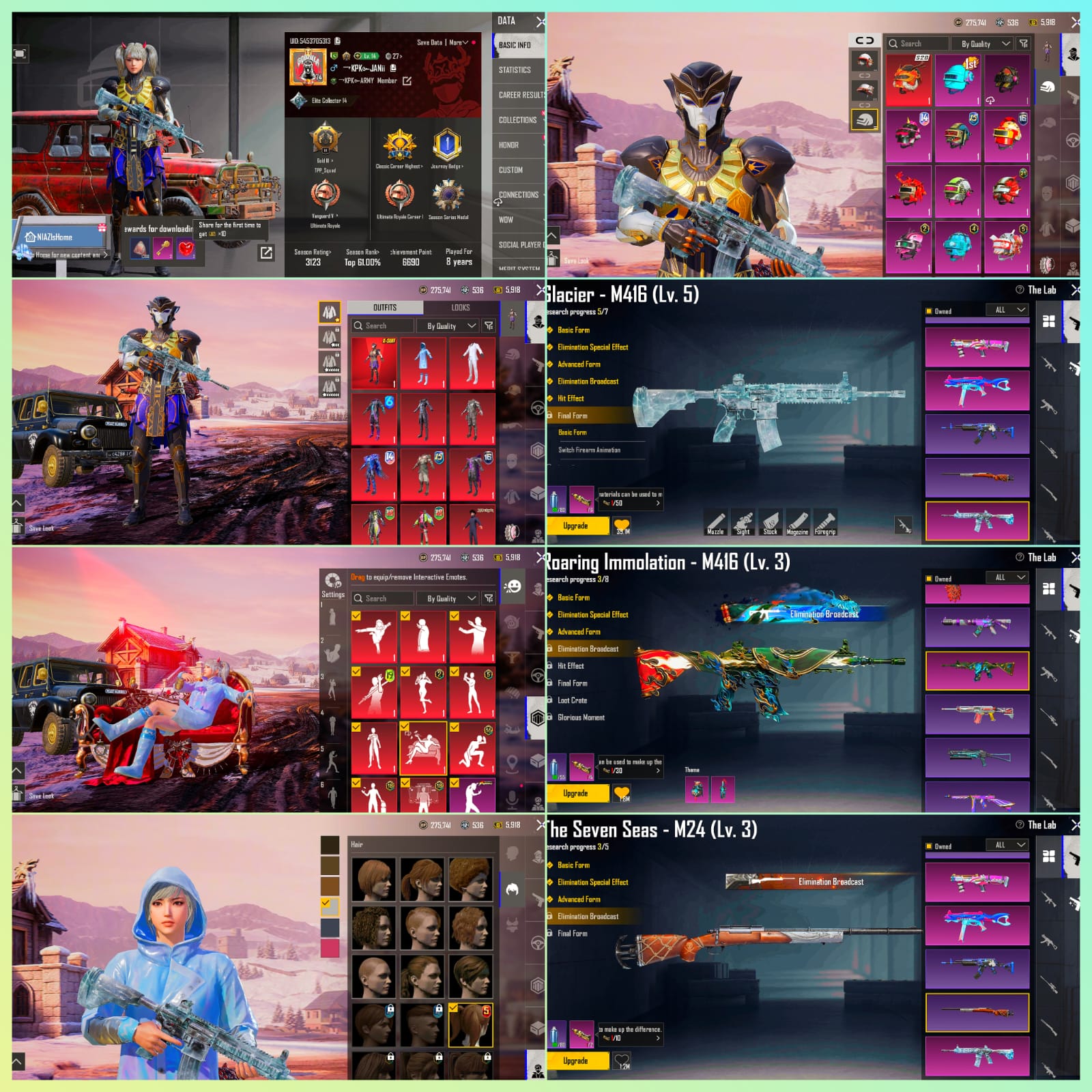
Cloud play and account buying go together: your progress syncs when you sign in with the same account on cloud and on your phone, so an account you buy can be played in the browser through now.gg and on your phone through the app. As of 25 November 2026, 217G has 106 PUBG Mobile accounts available, from Rs 4,000 for the cheapest (#5378) to Rs 2,860,000 for the top listing (#5319), with a median price of Rs 116,000. One warning before you buy: buying an account is against Krafton's Terms of Service — read the buying guide first so you know the risks before you spend.
Frequently Asked Questions
Can I play PUBG Mobile in a browser?
Yes, through cloud gaming — but there is no official browser version of PUBG Mobile. You cannot open the game in Chrome, Safari or Edge and play it directly. The working route is now.gg: open now.gg in your browser, search for PUBG Mobile and click “Play in browser”. The game streams from now.gg’s servers, so nothing is downloaded or installed. That streaming is the key difference in pubg in browser vs mobile: the browser version streams from a server, while the app runs locally on your phone.
Is now.gg free to play PUBG Mobile?
Yes. Playing PUBG Mobile on now.gg is free and ad-supported. There is no download or install — you open now.gg in any browser, search for PUBG Mobile and click “Play in browser”.
Do I need to download anything to play PUBG Mobile in a browser?
No, not for the browser route. now.gg streams the game from its servers, so you play in the browser tab with nothing installed. The only other cloud option — the official PUBG Mobile Cloud app — is an app, not a browser: you still install the small Cloud app from the Google Play Store, but you do not download the full 2–3 GB game.
Will my PUBG Mobile progress carry over between browser and phone?
Yes. Your progress syncs when you sign in with the same account on cloud and on your phone. On now.gg you can play as a guest, or sign in with your Google account to sync your progress. The same Google or Facebook login carries your progress between cloud and phone.
Is playing PUBG Mobile in a browser laggy?
It can be. Cloud gaming needs a stable internet connection, and input lag is possible because the game is rendered on a server, not on your device. The recommended connection is about 5 Mbps bandwidth and under 40 ms ping. The native app runs locally on your phone, so it does not depend on streaming in the same way.
Is it safe to log in to PUBG Mobile on a browser site?
Only on now.gg or the official Cloud app. Never enter your PUBG login or password on a random “play PUBG in browser” website — those sites are phishing. Never download APK files from such sites. Only the official app stores carry the real game.
What is the official PUBG Mobile Cloud app?
The official PUBG Mobile Cloud app is a streaming version of the game available on the Google Play Store in some regions. It is an app, not a browser — you still install the small Cloud app, but you do not download the full 2–3 GB game.
Can I play PUBG Mobile in a browser on my phone?
Yes. now.gg works in a phone browser too — open now.gg in Chrome, Safari or Edge on your phone, search for PUBG Mobile and click “Play in browser”. On a phone you play with touch controls in the browser, while on a PC you can play with mouse and keyboard. The same connection guidance applies: about 5 Mbps bandwidth and under 40 ms ping.
Related guides
Is PUBG Mobile Available in Pakistan? · How to Buy a PUBG Mobile Account Safely · PUBG Mobile Account Price in Pakistan · PUBG Mobile UC Price in Pakistan · PUBG Mobile Accounts for Sale