Beginners • Battle Royale • Parachute • Squad • Updated November 2026
How to Play PUBG Mobile: Beginner’s Guide 2026
Learning how to play pubg mobile is mostly learning one match loop: drop, loot, survive the shrinking zone, and be the last one standing. This guide walks through that loop from your first install to your first squad game — how a battle royale match actually works, pubg parachute tips that get you on the ground first, the controls and settings worth changing before your first real match, every mode available to a new player in late 2026, and how to play with friends across Android and iPhone. Every mechanic here is either the published behaviour of the game or labelled as a community-reported tip — nothing is invented, and where sources disagree, this guide says so.
Direct answer: In PUBG Mobile you drop from a plane with 99 other players, loot weapons and armour, and stay inside a shrinking safe zone until you are the last player or team alive — the winner sees “Winner Winner, Chicken Dinner.” Start on unranked Classic Erangel in Solo, land somewhere quiet, grab any gun before you look for a good one, and rotate early. Add friends by in-game name or character ID and squad up from the Party menu — Android and iPhone play together by default. The whole first-week plan is in the sections below.
How to do battle royale in PUBG: the match loop, step by step
If you are searching for how to do battle royale in pubg, the short version is that every Classic match follows the same five phases. Learn the phases once and every map makes sense, because the loop never changes — only the map, the player count and the pace do.
- Drop: a cargo plane crosses the map on a random route. You choose when to jump and where to land. You start with nothing — no weapon, no armour, no healing.
- Early loot: the first two minutes decide the next ten. Grab any gun first, then a vest and helmet, then healing items. An assault rifle or SMG is the sensible first main weapon; a pistol in your hands beats a player still looking for an M416.
- Rotation: the blue safe zone shrinks in stages and forces everyone into a smaller area. Being outside it drains your health. Move early, use cover, and never sprint through open ground if a tree line or ridge will do.
- Mid-game: the player count drops and fights become deliberate. Hold a position with cover, control sightlines, and take fights only when they improve your position.
- Final circles: a small area, few players, high stakes. Patience, sound cues and positioning matter more than raw aim here — a player in cover with average aim beats a player in the open with better aim.
The single most important idea, and the one new players resist longest, is that PUBG Mobile rewards positioning more than shooting. Most new players lose fights because they are standing in the wrong place, not because they missed. Survival comes first: a Top 10 finish with two kills is a better game than a 15th-place finish with eight. The ranks guide explains how that same survival-first logic carries into ranked play, where placement counts most for RP.
Which map to play first: Erangel, Livik and the rest
Classic mode offers eight maps, and they are not the same game. The player counts below are the published capacities for each map, so pick by how much time and how much chaos you want:
- Erangel — 8×8 km, 100 players, about 25–30 minutes: the original map and the best first map. Green fields, forests and small towns, loot spread evenly, balanced for every range. Learn Erangel first; everything else is a variation on it.
- Livik — 2×2 km, 52 players, about 15 minutes: the fast map, built for PUBG Mobile only. Fights start within a minute of landing and the zone moves faster, so it is the best choice when you want a short game or fast kill practice — and the worst choice when you want a slow, quiet learning game.
- Miramar — 8×8 km, 100 players: desert, open sand and rocky hills. Long sightlines and long-range fights; keep a vehicle nearby, because the map is huge and the zone will make you walk.
- Sanhok — 4×4 km, 100 players: dense jungle, fast and aggressive, with fights starting early.
- Vikendi — 8×8 km, 100 players: snow map, medium pace, tactical rotations.
- Karakin — 2×2 km, 64 players: small desert map where sticky bombs can blow holes in walls and floors.
- Nusa — 1×1 km, 32 players: the smallest map in the game; matches are quick, loot is instant, and fights start the second you land.
- Rondo — 8×8 km, 100 players: the newest large map, added to the Classic rotation in 2026.
For your first week, play Erangel for full matches and Livik when you only have fifteen minutes. The maps guide covers drop spots and rotations for each map in detail once you know the loop.
PUBG parachute tips: land first, land safe
The match is often decided before you touch the ground: the player who lands first gets the first gun, and the first gun usually wins the first fight. These pubg parachute tips are the ones community guides agree on, and they work on every map:
- Mark before you jump. Put a marker on your spot before the plane reaches it — the marker shows the distance on your screen, and that number tells you when to jump.
- Jump at the right distance. For a spot close to the flight path on Erangel or Miramar, jump when the marker reads about 750 to 850 metres. On Sanhok and Vikendi the same 750 to 800 metres applies; on Livik it is about 400 to 450 metres, and on Karakin about 350 metres, because the maps are smaller.
- Dive at full speed. Push the joystick fully forward and point the camera down at the spot. Your fall speed climbs to 234 km/h, the fastest you can fall. Do not wiggle the joystick or adjust direction mid-fall unless you are well off target — every correction costs 10 to 20 km/h and extra seconds in the air.
- Let the parachute open on its own. The parachute deploys automatically as you near the ground — community guides put the auto-open at roughly 250 to 300 metres, and the exact figure is not published, so do not open it early by hand. Once it is open, keep pushing forward to come down steeply, or tilt back slightly to glide further — a good glide can carry you about 1.2 km from your jump point.
- Steer for a roof or a doorway. Aim for the building, not the field next to it. Landing on the roof puts you one step from the loot inside; landing in the open leaves you running while someone else is already armed.
- Count parachutes while you fall. Look around on the way down. If more squads than buildings are heading for your compound, change your target in the air and take the houses at the edge instead.
- Land together in a squad. Use the follow option in the plane so all four of you come down on the same compound. A squad that lands scattered is four solo players; a squad that lands together can loot, cover and revive each other from the first second.
A note on the early-cut trick: some community guides suggest tapping the parachute button again to cut the cord about 50 metres above the ground, landing a second sooner at the cost of a small amount of fall damage. It is a real technique, but the exact damage figure is not published and cutting any higher hurts badly — beginners should skip it until the rest of the landing is automatic. Landing one second sooner is worthless if you land with half your health gone.
Where to land matters as much as how. Hot drops like Pochinki or School on Erangel, Pecado on Miramar and Bootcamp on Sanhok have the best loot and the most players; a quiet compound a short glide off the flight line has enough loot for one squad and usually one enemy team at most. If you are learning to fight, land hot on purpose. If you are playing to survive, land a little off the line.
Your first minute after landing: what to loot, in what order
Looting has a priority order, and it is the same on every map. Follow it and you will stop dying unarmed in the first minute:
- 1. Any weapon. Take the first gun you see, pick up its ammo, and check it is loaded before you walk through the next door. Any gun beats no gun.
- 2. A proper main weapon. An assault rifle or an SMG is the sensible first choice; add a second weapon for a different range, usually something long-range or a shotgun for close buildings.
- 3. A vest and a helmet. Level 2 of both is a good target for the first minutes — armour turns fatal shots into survivable ones.
- 4. Healing items. Bandages and first aid kits are the difference between resetting after a fight and dying to the next one. Pick up boosts too; they heal over time and speed you up.
- 5. Attachments and a bag. Scopes, grips and a bigger backpack come after the four above, not before. A red dot on an unloaded rifle helps nobody.
Fight only when you know where the enemy is, you have at least a vest and a loaded weapon, and your teammates are close enough to help. Leave when you are outnumbered, when several squads are already shooting at each other around you, or when you already have what you need. The zone timer above the minimap tells you how long you have to loot: the timer is how long until the blue starts moving, and the bar fills as the blue circle closes in on the white safe zone.
Controls and settings a beginner should set before the first match
Your performance starts in the settings, before the plane. Spend ten minutes in the Training Ground first — your thumbs need to learn where the buttons are before a real match tests them. The default layout puts the fire button on the right and the movement joystick on the left, and every button can be moved, resized or turned off.
- Graphics: Smooth, highest steady frame rate. If your phone can hold it, Smooth graphics with the highest frame rate it sustains is the standard competitive choice. It is better to play at a smooth 60 FPS than to suffer stutters on prettier settings — an unstable frame rate makes a good sensitivity feel broken.
- Gyroscope: start on Scope On. The game offers three gyroscope modes — Off, Scope On and Always On. Gyroscope lets you tilt the phone to aim, which frees your right thumb for movement. Start on Scope On, so the gyro only helps while you are scoped, and move to Always On after a week if it suits your grip. If you are new to motion aim, start the gyro values low and raise them in steps in the Training Ground.
- Sensitivity: start near the defaults, test, then adjust. There is no universal sensitivity — the right numbers depend on your phone, your grip and whether you use gyro. Community starting points widely published for 2026 builds are about 120% for TPP no-scope camera, 50 to 60% for red dot ADS, and about 300% for gyroscope no-scope, with lower values as the scope zoom rises. Treat those as a starting point, test them on the Training Ground dummies at 10, 25 and 50 metres, and change one slider at a time. Do not paste a stranger’s sensitivity code and expect it to fit your hands.
- Layout: two fingers is fine to start. Thumb-only play works while you learn. The three- and four-finger claw layouts — an index finger on a separate fire button — let you move, aim and shoot at once, but they are worth learning only after the basics are automatic. When you do try one, use Layout 2 so Layout 1 stays as a fallback.
- Fire in short bursts. When you see an enemy, do not just hold the fire button. Tap it in short bursts — this keeps your aim steady and controls recoil, which climbs the longer you hold the trigger.
One habit to build early: check the minimap, the blue zone timer, your health bar and your weapon slots constantly. The HUD is your command centre, and new players die most often because they never looked at the zone timer, not because they never saw the enemy.
Modes available to a new player in 2026
PUBG Mobile is several games in one app, and the mode menu rotates with each season, so the names below are the ones live in late 2026 under version 4.7. Start with Classic and the Training Ground; add the rest once the battle royale loop feels natural.
- Classic — the battle royale. Solo, Duo or Squad on the big maps, in ranked or unranked. Unranked Classic is where a new player belongs; ranked uses the same maps with tougher competition and the rank ladder covered in the ranks guide. Season 33 runs 13 November 2026 to 14 January 2027, and version 4.7’s themed mode, Arctic Chronicles, runs on Erangel, Livik and Vikendi from 11 November 2026 to 12 January 2027, with a frozen Erangel Subzero mode arriving 3 December 2026.
- Arena — fast aim practice. Team Deathmatch on the Warehouse map, Gun Game where your weapon changes with each kill, Domination over three capture zones, and Arena Training where you can pick any gun from your base. No zone, no looting, just gunfights — the fastest way to learn recoil and movement.
- EvoGround — rotating event modes. A changing set that has included Payload, with heavy weapons and vehicles, and Infection, where players fight zombies. The exact line-up rotates with the season, so check the menu in-game.
- Arcade — shorter battles. Faster, smaller matches including Quick Match, which compresses the battle royale experience into about eight minutes.
- World of Wonder (WOW). Player-created maps and modes built with in-game tools — good for a change of pace, unpredictable by design.
- Metro Royale. A separate loot-and-extract mode, different from the battle royale loop entirely. Worth trying after the Classic loop is comfortable, not before.
- Training Ground. Not a match at all — a practice map with targets, every weapon and room to test sensitivity, gyro and layouts with no pressure. Use it before every settings change.
Ranked Arena also runs as a seasonal event — 26 November to 24 December 2026 in Season 33 — but it is a competitive mode for experienced players, not a learning mode. If a mode name on your menu does not match this list, the season has rotated it; the in-game menu is the authority, and Classic is always there.
PUBG and mobile play with friends: squads, cross-play and the limits
PUBG Mobile is a better game with a squad, and pubg and mobile play with friends is one of the most-searched beginner questions for a reason: the game’s social systems are spread across three different menus. Here is the whole picture in one place.
- Add friends three ways. Search their in-game display name or character ID in the Friends tab; tap “Add Friend” next to their name on the post-match scoreboard; or link your Facebook account and add the Facebook friends who also play. There is no charge for sending a friend request, and the daily request limit is high enough that you will not hit it in normal play.
- Squad up from the Party menu. On the main menu, the Party menu lists Friends, Recent players and Clan members. One player creates a Solo, Duo or Squad lobby — Squad is four players — invites friends from the list, and starts the match. If you queue alone but want teammates, Auto Matching in the mode-select screen fills your squad with other players looking for a team, and you can stick with that group for the next round or re-roll.
- Android and iPhone play together by default. There is no separate iPhone or Android queue, and no setting to turn on — cross-play between mobile devices is on for everyone, in casual and ranked modes, as long as all players have the same game version installed. What must match is the server region: PUBG Mobile keeps player data separate across regions, so if your friend is on a different server, one of you has to switch regions before you can find each other or send invites.
- Emulator players are matched separately. A friend on the official emulator can still squad with mobile players, but the whole squad is then placed in lobbies with other emulator-inclusive teams, so the match gets harder for the touchscreen players. The game warns you with a pop-up when you join such a lobby. Unapproved third-party emulators can get an account banned, so stick to the official one.
- No cross-play with PUBG on PC or console. PUBG Mobile and the original PUBG are completely separate games with separate accounts, lobbies and progress — a friend on PlayStation, Xbox or PC cannot join your mobile lobby, and there is no cross-progression between them either.
- Link your account before you switch phones. Cross-progression between your own devices works only if your account is linked to a social service such as Facebook, X or Discord. A guest account on one phone will not carry its progress, skins or rank to another device, so link it on day one.
Squad habits that win games: use the follow option in the plane so you land together, call out what you see with the quick-chat wheel or voice chat, share loot instead of racing for it, and revive downed teammates instead of chasing the kill that downed them — a revived teammate is worth more than one more elimination. The servers guide covers regions and ping in more detail, which matters most when your squad spans more than one country.
Beginner mistakes that end matches early
Almost every early death in a beginner’s first twenty matches comes from the same short list. Fix these before you worry about aim:
- Hot-dropping every game. Pochinki is fun and it is also where half the lobby dies in ninety seconds. Land quiet until you can win a fair one-on-one.
- Looting one spot for too long. The zone timer is always running. Grab what you need and move; the perfect attachment is not worth dying outside the blue.
- Ignoring the zone. Check the timer above the minimap after every fight. Late rotations through open ground are how most mid-game deaths happen.
- Fighting without a vest or a loaded gun. If you do not have both, you are not ready for a fight — reposition, loot more, or leave.
- Standing in the open. Cover is the whole game. Trees, ridges, compounds and smoke grenades keep you alive; open fields do not.
- Queueing Ranked on day one. Ranked is the same maps with harder lobbies and a rank that drops each season. Learn the loop unranked first — the ranks guide explains the ladder, the RP thresholds and the Promotion Matches that gate the Ace tiers.
- Never using vehicles or smokes. A vehicle is your rotation and your escape; smokes are your cover for the final circles. Both are worth a loot slot.
Your first week: a simple plan
Day one: finish the tutorial, spend twenty minutes in the Training Ground learning the buttons, and play three unranked Solo games on Erangel landing somewhere quiet. Days two and three: set graphics to Smooth with the highest steady frame rate, try the gyroscope on Scope On, and play Livik for short games between Erangel matches. Days four and five: try Arena Team Deathmatch for aim practice, then add two friends and play Duo or Squad with the follow option on. By the end of the week you will know the loop, the zone and one map well enough that ranked becomes a real option rather than a punishment — and you will have stopped dying to the things on the list above, which is most of the game at this level.
Starting with an account that already has the gear (27 November 2026)
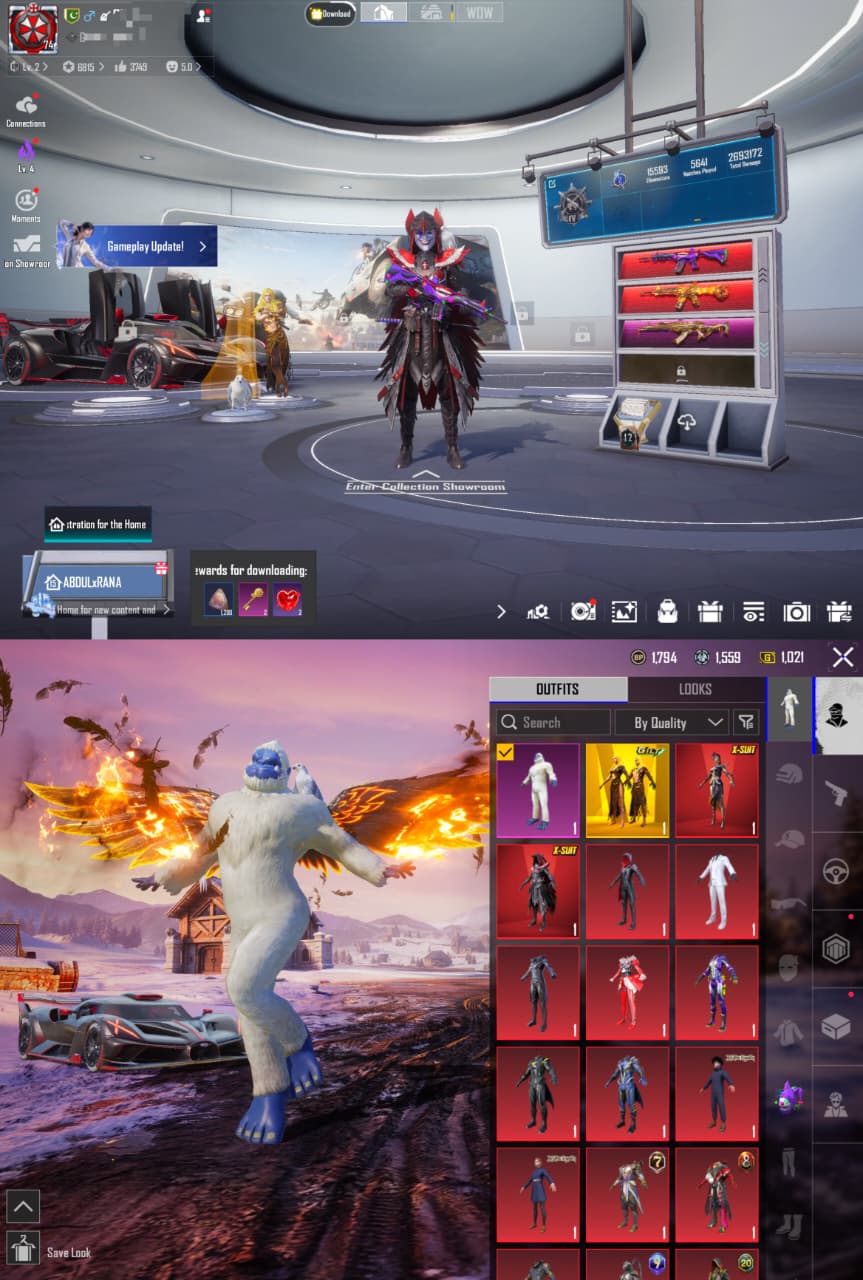
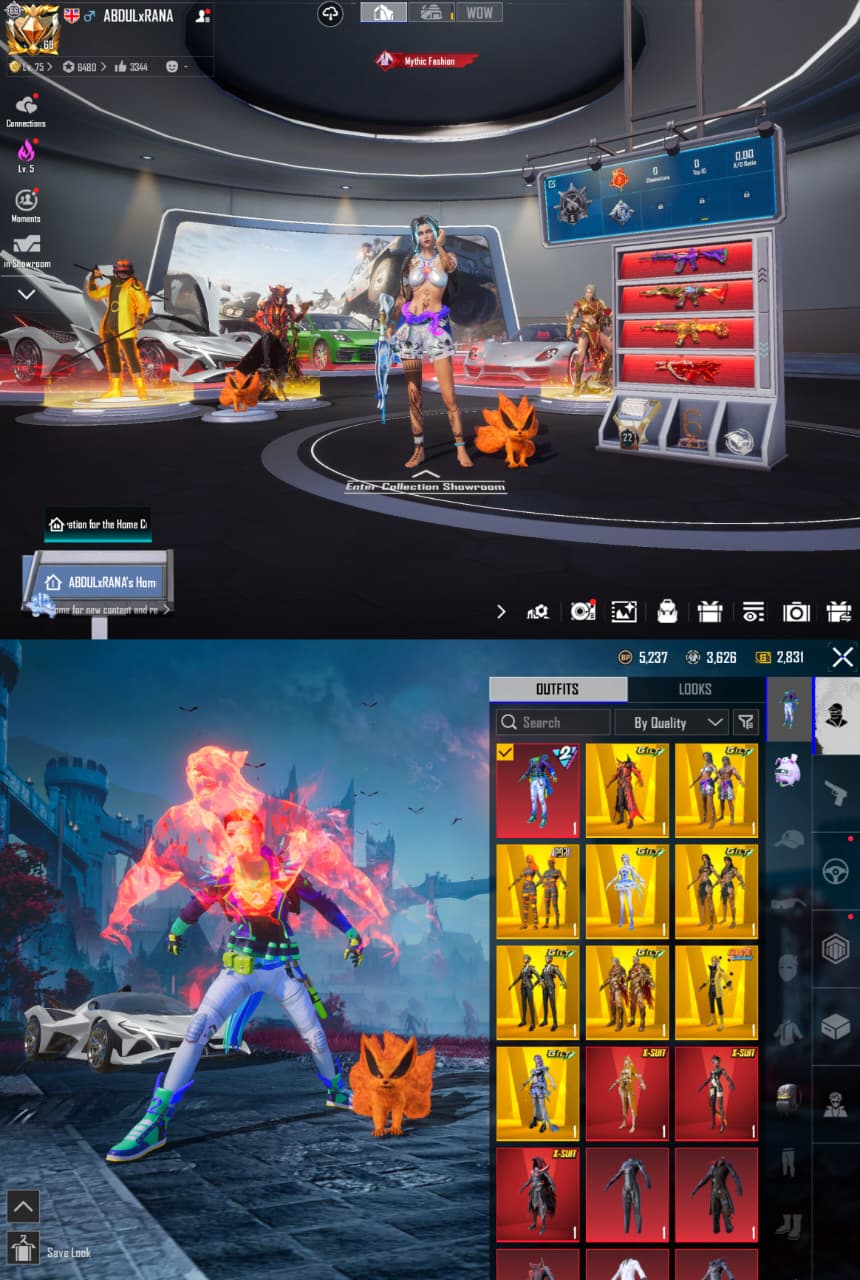
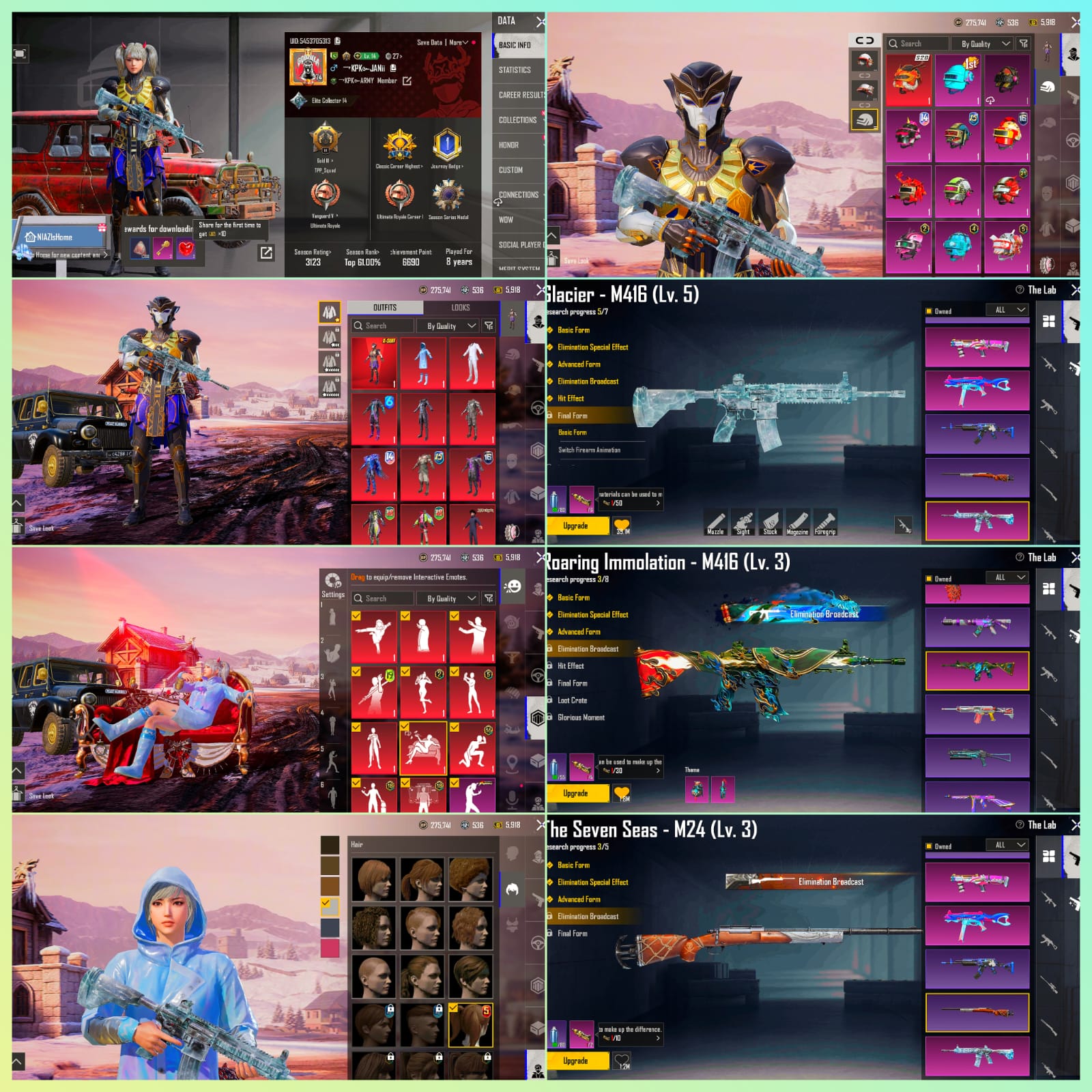
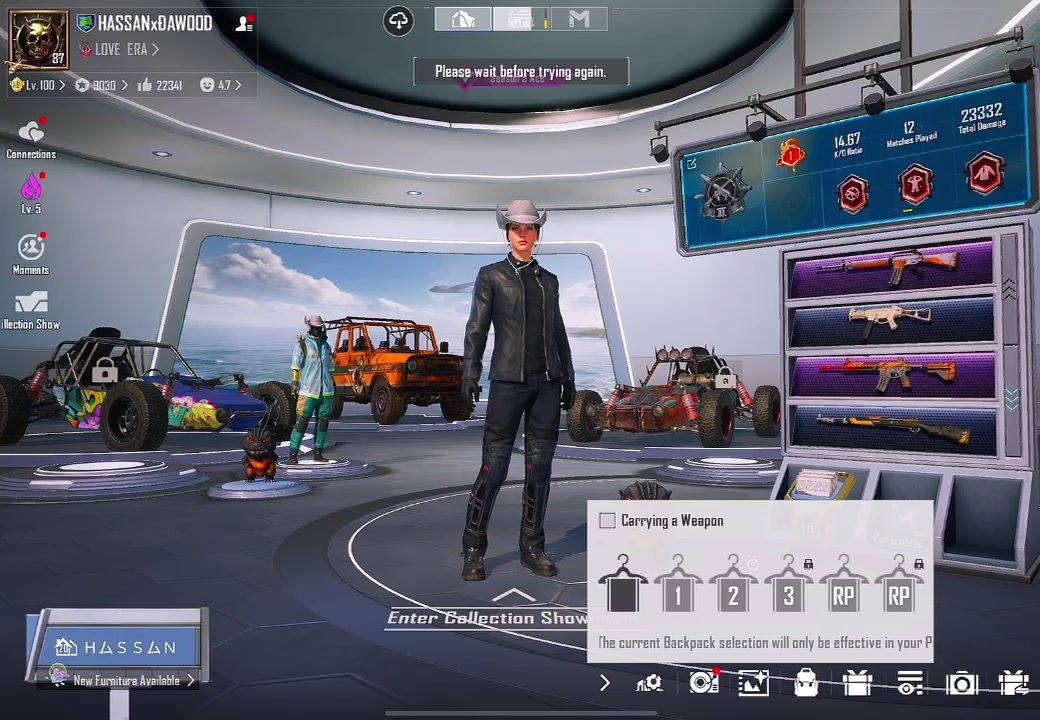
Learning the game on a fresh account is the honest path, but many new players start on an account that already carries rare outfits, gun skins and a ranked history — it skips the months of grinding for cosmetics that never come back. As of 27 November 2026, 217G lists 144 accounts in total, with 133 PUBG Mobile accounts at a median price of Rs 64,000 — from the cheapest PUBG Mobile account, #5398 at Rs 7,000, to the top account, #5493 at Rs 3,388,000. Free Fire accounts number 7, from Rs 6,000 to Rs 468,000, and there is 1 TikTok account live, #5212 at Rs 9,000, which is not monetised. 8 Ball Pool and Instagram currently have no products listed. This guide does not claim any specific rank, outfit or item for any specific listing: always check the account on a live screen share before you pay, and treat any listing that claims a rank or rare item without showing it as unverified. The outfits guide covers what else travels with an account — rare sets and collaboration outfits — which is the other half of what makes a high-value account worth its price.
Frequently Asked Questions
How do I play PUBG Mobile for the first time?
Install the game, finish the opening tutorial and Training Ground, then queue an unranked Classic match on Erangel in Solo. You drop from a plane with 99 other players, loot a weapon, vest, helmet and healing items, stay inside the shrinking safe zone, and try to be the last one standing. Land somewhere quiet for your first few games so you can learn looting and the zone before you worry about fights.
How does battle royale work in PUBG Mobile?
In a Classic battle royale match, 100 players drop onto a large map with nothing, loot weapons, armour and healing items from buildings, and survive while a blue safe zone shrinks in stages, forcing everyone closer together. Being outside the safe zone drains your health. The last player or team alive wins and sees “Winner Winner, Chicken Dinner.” A full Erangel match takes about 25 to 30 minutes; the small Livik map holds 52 players and lasts about 15 minutes.
When should I jump from the plane in PUBG Mobile?
Mark your landing spot before the plane reaches it — the marker shows the distance on screen. For a spot close to the flight path on Erangel or Miramar, jump when the marker reads about 750 to 850 metres and dive straight down at up to 234 km/h. For a spot far from the line, jump early and glide level so the parachute carries you the distance. On Livik the jump distance is shorter, about 400 to 450 metres, because the map is only 2 by 2 km.
What are the best parachute tips for landing first in PUBG Mobile?
Jump at the right distance, push the joystick fully forward and point the camera down to dive at up to 234 km/h, and do not wiggle or change direction mid-fall — every correction costs speed. Let the parachute open on its own near the ground, keep pushing forward to come down steeply, and steer for a roof or a doorway, not the field beside the house. While you fall, count the parachutes around you: if more squads than buildings are heading for your compound, change target in the air.
How do I play PUBG Mobile with friends?
Add them in the Friends tab by searching their in-game name or character ID, or tap “Add Friend” next to their name on the post-match scoreboard. One player creates a Solo, Duo or Squad lobby, invites friends from the Party menu, and starts the match. Android and iPhone players can squad together by default with no extra setting, as long as everyone is on the same server region and the same game version. If a squad member plays on an emulator, the whole squad is matched against emulator-inclusive teams.
Can I play PUBG Mobile with a friend on iPhone if I use Android?
Yes. Android and iOS players share the same lobbies by default — there is no separate iPhone or Android queue, and no setting to turn on. The two things that must match are the server region and the game version: if your friend is on a different server, one of you has to switch regions before you can find each other or send invites. PUBG Mobile does not cross-play with PUBG on PC or console — those are a separate game.
Which mode should a beginner start with in PUBG Mobile?
Start with unranked Classic on Erangel — it is the standard 100-player battle royale and the best place to learn the full match loop. Use the Training Ground to learn the controls and Arena modes like Team Deathmatch for fast aim practice with no zone and no looting. Avoid Ranked until you are comfortable surviving into the late game, and try Livik when you want a shorter 15-minute match.
What settings should a beginner change first in PUBG Mobile?
First, set Graphics to Smooth and the frame rate to the highest your phone holds steadily — smooth frames matter more than pretty graphics. Second, try the gyroscope on “Scope On” so tilting your phone helps your aim only while scoped, and move to “Always On” later if it suits you. Third, leave sensitivity near the defaults and adjust in the Training Ground: community starting points are about 120% for TPP no-scope camera and 50 to 60% for red dot ADS, but the right numbers depend on your phone and grip, so test them yourself rather than copying a code blindly.
Related guides
PUBG Mobile Ranks Guide · PUBG Mobile Maps Guide · PUBG Mobile Servers Guide · PUBG Mobile Outfits Guide · PUBG Mobile Characters Guide · PUBG Mobile Events Guide · PUBG Mobile Home Mode Guide · PUBG UC